Introduction
If you're managing an app on both iOS and Android, you've probably noticed something: the reviews feel different. It's not just your imagination.
App Store and Google Play users don't just use different devices—they have different expectations, behaviors, and ways of expressing feedback. Understanding these differences is crucial for any product team managing a cross-platform app.
In this guide, we'll break down the key differences between how iOS and Android users leave reviews, what drives their feedback, and how you can tailor your approach to each platform.
The Numbers: Review Behavior by Platform
Review Volume
Google Play users leave significantly more reviews than App Store users. On average, Android apps receive 2-3x more reviews than their iOS counterparts with similar download numbers.
Why? Android's review prompts are more persistent, and the Play Store makes it slightly easier to leave quick ratings. iOS users tend to be more selective about when they engage with review prompts.
Rating Distribution
Both platforms hover around similar average ratings (4.0-4.5 for successful apps), but the distribution differs:
- App Store: More polarized—users tend to leave either 5-star or 1-star reviews
- Google Play: More distributed ratings across the spectrum, with more 3-star and 4-star reviews
This means Android users are more likely to give nuanced feedback, while iOS users often express stronger opinions.
Review Length
iOS reviews tend to be longer and more detailed. When an iPhone user takes the time to write a review, they typically have something substantial to say.
Android reviews skew shorter on average, but the higher volume means you'll still get plenty of detailed feedback—you just need to filter through more brief ratings.
What iOS Users Complain About
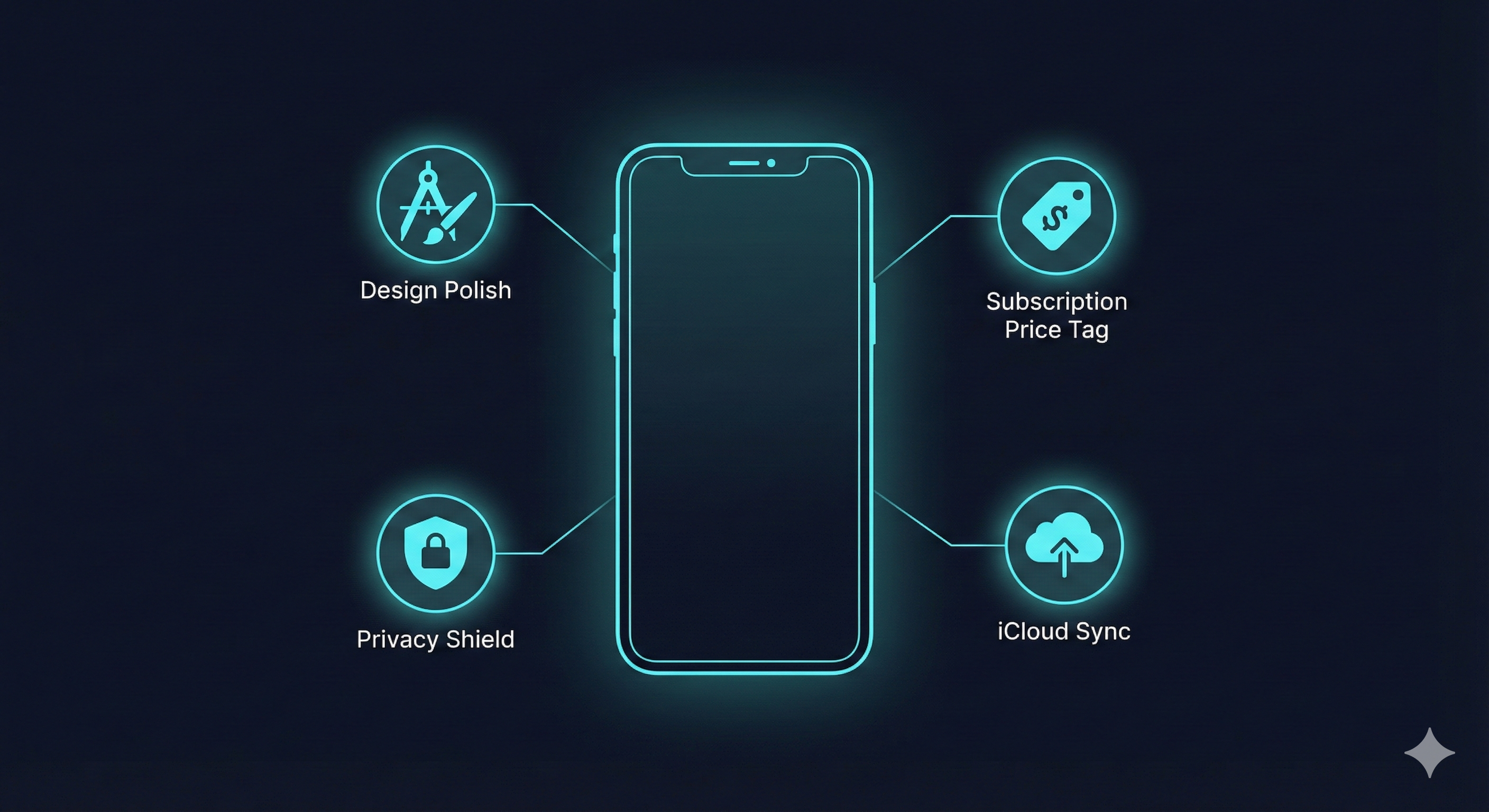
1. Design and Polish
Apple users have high expectations for visual design and user experience. Common complaints include:
- "The UI feels dated compared to other apps"
- "Animations are choppy"
- "Doesn't feel like a native iOS app"
- "The icon doesn't fit my home screen aesthetic"
Takeaway: iOS users notice design details. Invest in polish, follow Apple's Human Interface Guidelines, and ensure smooth animations.
2. Privacy and Data Handling
Post-iOS 14, privacy-conscious reviews have increased dramatically:
- "Why does this app need access to my contacts?"
- "Too many tracking permissions"
- "App Tracking Transparency shows this app tracks everything"
Takeaway: Be transparent about data usage. Minimize permissions and explain why you need them.
3. Subscription Fatigue
iOS users are particularly vocal about subscription pricing:
- "Another app wanting $9.99/month for basic features"
- "Used to be a one-time purchase, now it's a subscription"
- "Free trial converted without warning"
Takeaway: The App Store audience is sensitive to aggressive monetization. Consider lifetime purchase options or clearly communicate subscription value.
4. iCloud and Ecosystem Integration
iOS users expect seamless integration:
- "Why doesn't this sync with iCloud?"
- "No Apple Watch app?"
- "Doesn't work with Shortcuts"
Takeaway: Leverage Apple's ecosystem features. iCloud sync, widgets, and Shortcuts integration can differentiate your app.
What Android Users Complain About
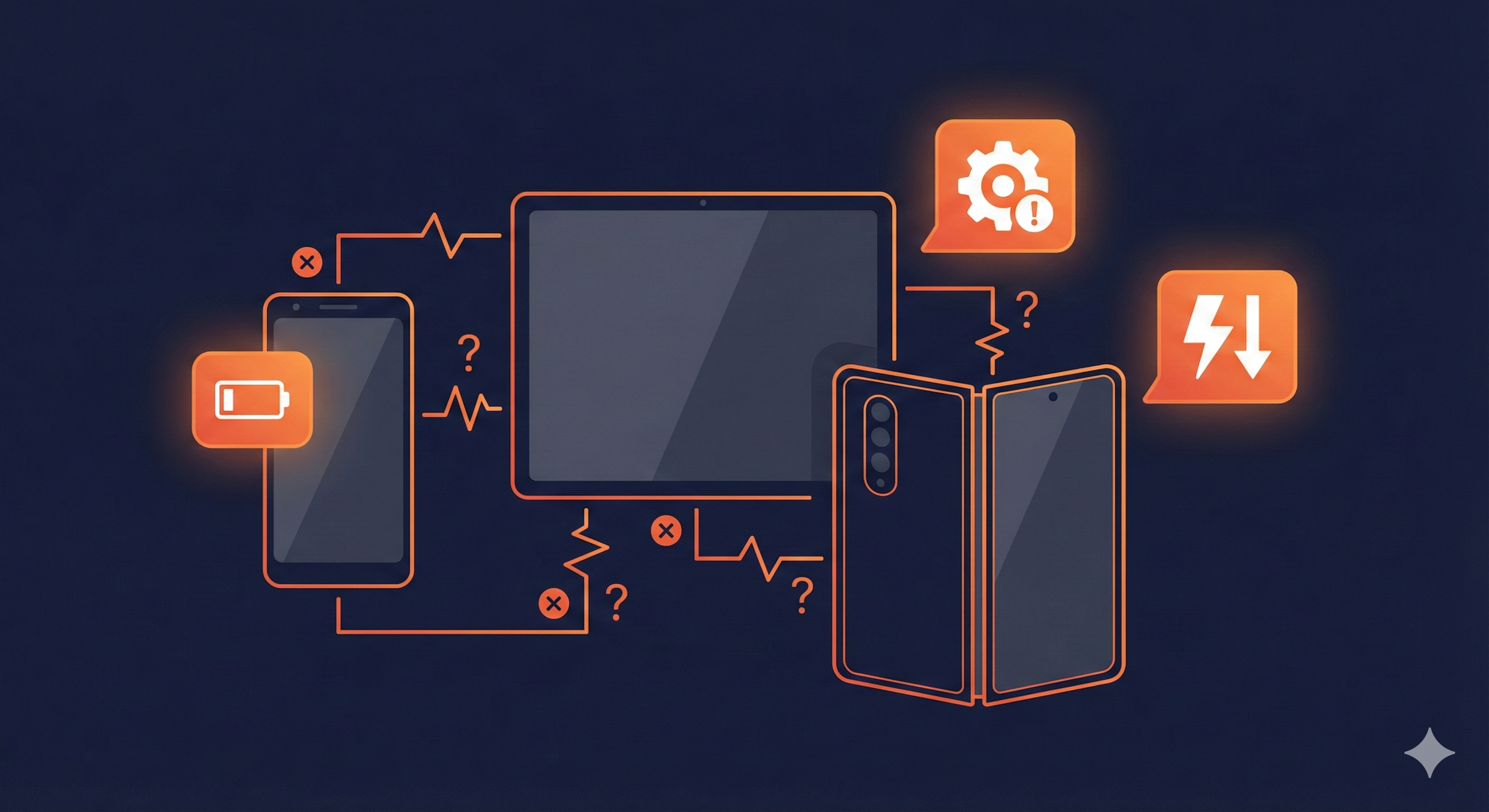
1. Device Compatibility
The Android fragmentation challenge shows up in reviews:
- "Crashes on my Samsung Galaxy S21"
- "Doesn't work on Android 14"
- "Layout is broken on my tablet"
- "Not optimized for foldable screens"
Takeaway: Test across multiple devices and Android versions. Consider using Firebase Test Lab or similar services for broader coverage.
2. Ads and Monetization
Android users encounter more ad-supported apps and are vocal about the experience:
- "Too many ads, can't even use the app"
- "Full-screen ads every 30 seconds"
- "Paid for premium but still seeing ads"
Takeaway: If using ads, be reasonable about frequency. Ensure ad-free promises are honored for paying users.
3. Battery and Performance
Android users are more aware of resource usage:
- "Drains my battery even when not using it"
- "Takes up too much storage"
- "Running in background constantly"
Takeaway: Optimize for battery life and storage. Be mindful of background processes and provide options to limit them.
4. Update and Permission Issues
Play Store's update system generates specific complaints:
- "Update broke everything"
- "Lost all my data after update"
- "Why do you need new permissions?"
Takeaway: Communicate changes in update notes. Be cautious with permission changes and explain them clearly.
Cultural Differences in Review Writing
Directness
iOS users tend to be more direct and sometimes harsher in their criticism. A frustrated iPhone user might write:
"Absolute garbage. Deleted immediately. Waste of storage space."
Android users often provide more context:
"I wanted to like this app, but it keeps crashing when I try to upload photos. Using a Pixel 7 on Android 14. Would update my review if this gets fixed."
Expectations of Response
Android users are more likely to expect and acknowledge developer responses. The Play Store's reply system is more prominent, and users often update reviews after receiving help.
iOS users leave reviews but less frequently check back for responses or update their ratings after issues are resolved.
Technical Detail
Android's more technical user base often provides debugging-quality information:
"App crashes with ANR after exactly 30 seconds when using picture-in-picture mode. Logcat shows OutOfMemoryError. Device: OnePlus 11, RAM: 16GB, Android 13."
This kind of detailed feedback is gold for your development team.
Platform-Specific Review Strategies

For the App Store
- Focus on first impressions—iOS users are quick to judge and less likely to give second chances
- Respond thoughtfully to negative reviews—even if fewer users see responses, it demonstrates care
- Time your review prompts carefully—Apple's SKStoreReviewController limits prompts, so trigger them after positive moments
- Emphasize design updates—iOS users appreciate and reward visual improvements
- Address subscription concerns proactively—be clear about pricing in your App Store description
For Google Play
- Respond to reviews systematically—Android users notice and appreciate responses
- Test on diverse devices—address compatibility issues before they become review themes
- Monitor after updates—the Play Store's review system highlights recent feedback after updates
- Provide detailed changelogs—Android users read them and appreciate transparency
- Offer multiple monetization options—ad-supported free tier plus affordable premium can satisfy different user segments
How to Analyze Cross-Platform Feedback
Compare Themes, Not Ratings
A 4.2 on the App Store isn't directly comparable to a 4.2 on Google Play. Instead, compare:
- What features get praised on each platform
- What issues are platform-specific vs. universal
- How sentiment trends differ after updates
Look for Universal Signals
When the same complaint appears on both platforms, it's a core product issue. When it's platform-specific, it might be a technical implementation problem.
Universal feedback example:
"Onboarding takes too long" (appears on both platforms)
→ This is a product design issue to address globally
Platform-specific feedback example:
"Back button doesn't work properly" (Android only)
→ This is an Android navigation implementation issue
Track Platform Sentiment Separately
Your iOS users might love a feature that Android users hate, or vice versa. Track sentiment for major features by platform to catch these divergences early.
Key Takeaways
- Volume vs. depth: Google Play gives you more reviews; App Store reviews tend to be more detailed
- Design matters more on iOS: Apple users have higher expectations for polish and native feel
- Compatibility matters more on Android: Device fragmentation creates unique challenges
- Response strategies differ: Android users expect and reward developer engagement
- Analyze separately, then compare: Platform-specific insights are as valuable as universal trends
Automate Your Cross-Platform Analysis
Stop switching between App Store Connect and Google Play Console. Riviso analyzes both platforms simultaneously, helping you identify platform-specific issues and universal trends in one unified report.
Start Free Cross-Platform Analysis